
app.dataleap.ai/admin. Only Admins can open it. Members pick from what you allow.
The page has two jobs: what Basic, Pro, and Expert mean in your workspace, and which models members can choose.
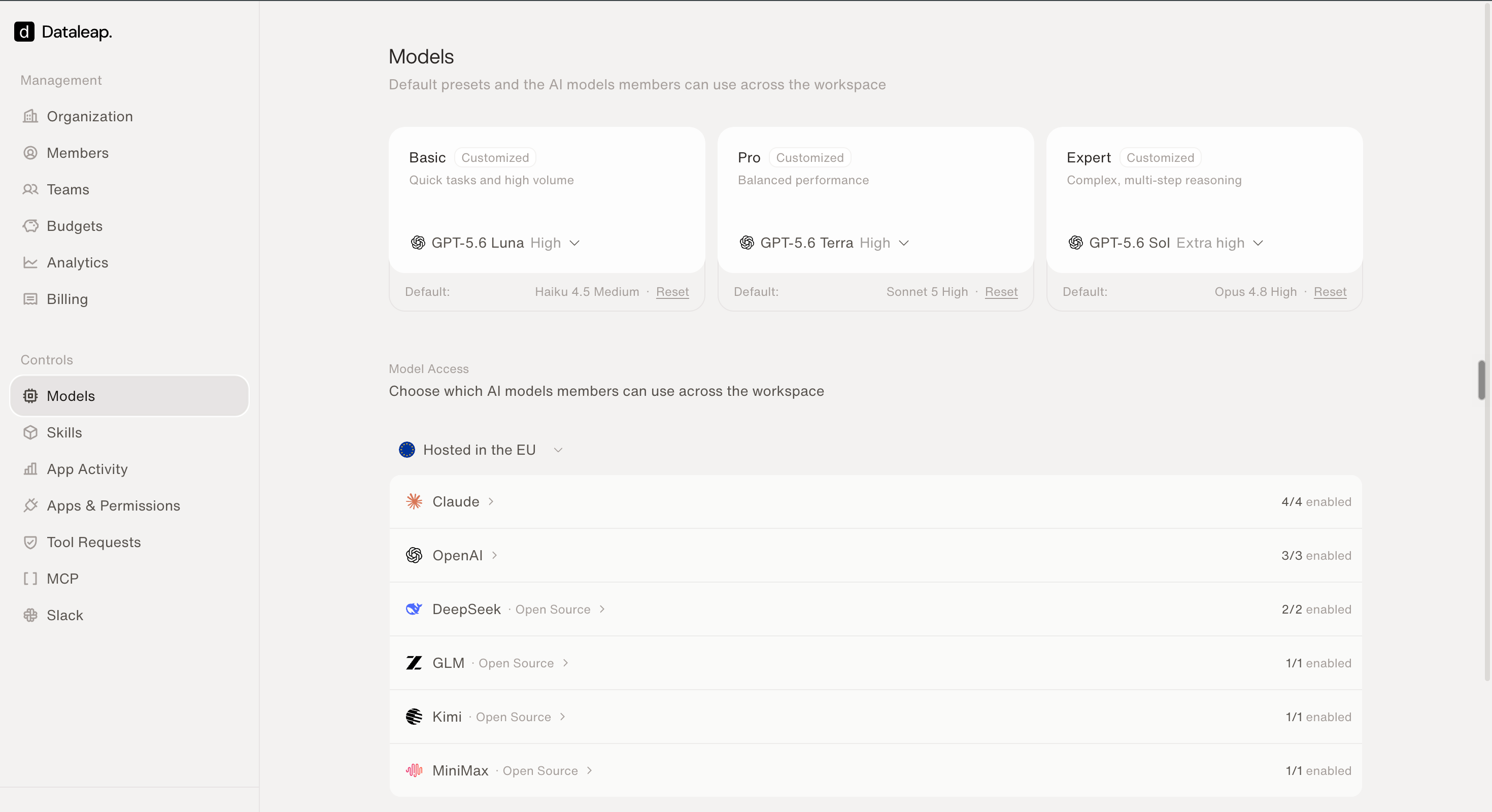
The Models page — presets on top, Model Access below.
Presets
Most people pick a preset, not a specific model.
You choose which model and Reasoning Level power each preset. The available levels depend on the model. When a model supports more than one, choose from Minimal, Low, Medium, High, Extra high, or Max. A Customized badge appears when a preset no longer uses Dataleap’s default. Reset puts it back.
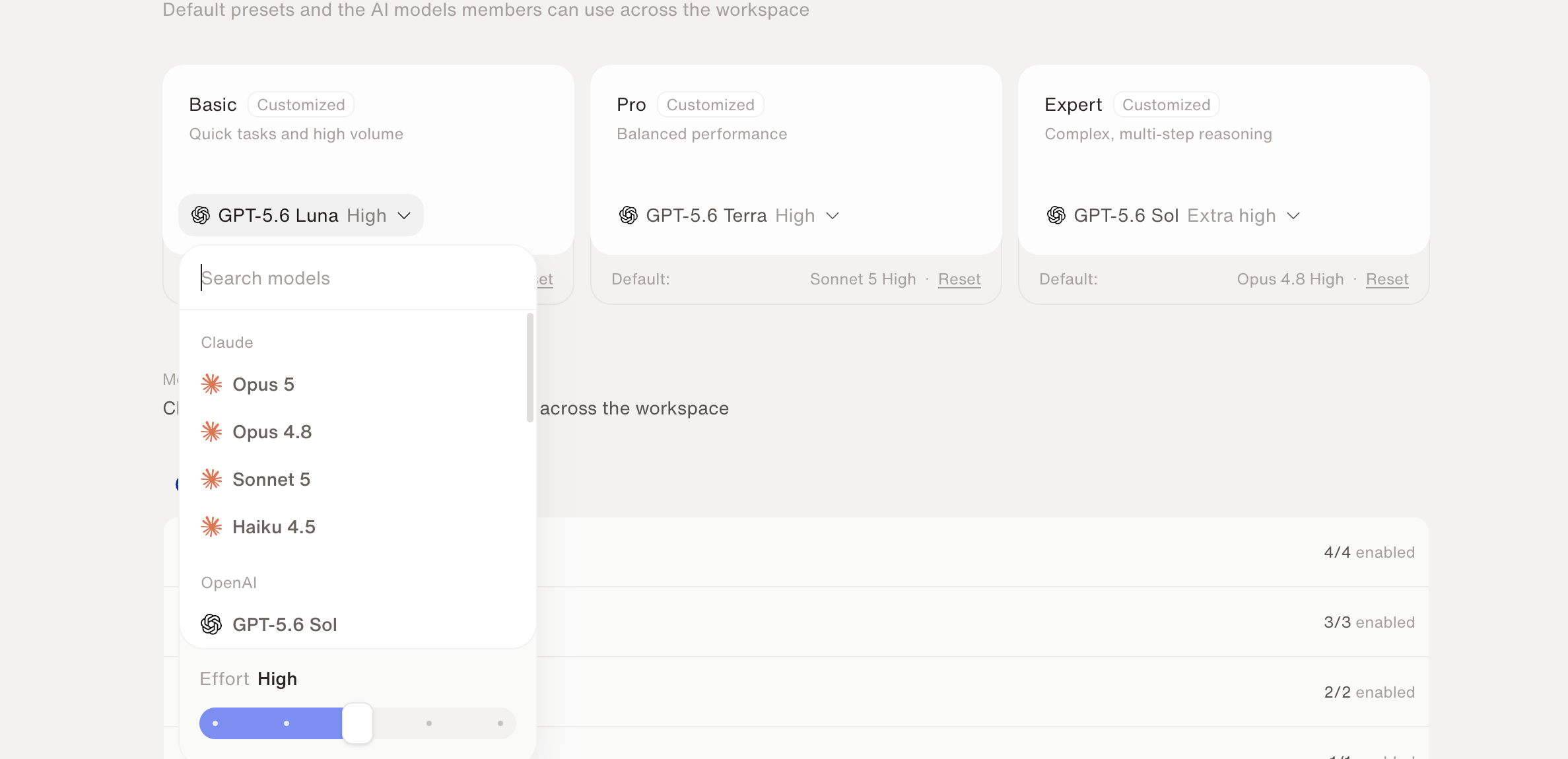
Pick the model and Reasoning Level behind a preset.
Model access
Model Access is the list of models members can use. Turn a model on or off with its switch. Enabled models appear when someone opens Customize in the model selector. Disabled models do not. If you disable a model agents already use, their future runs may be blocked until someone changes that agent’s model. Save from the bar at the bottom. If the change affects agents, Dataleap asks you to review first.What members see
In chat, Workflow, and a sub-agent’s Tools tab, people pick Basic, Pro, or Expert — or Customize to choose a specific enabled model and its Reasoning Level.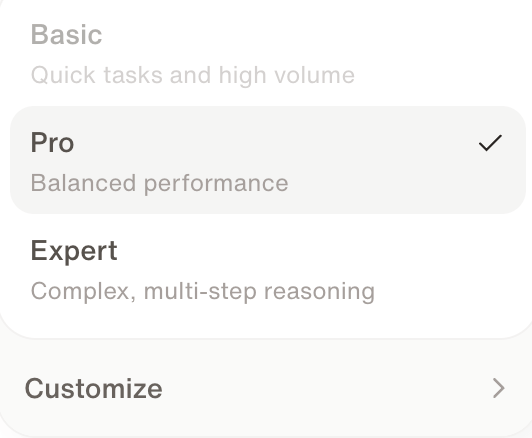
The model selector members see in chat.
Credits & usage
How preset choice fits into overall spend.
Users, teams & organization
Who can open Admin in the first place.