
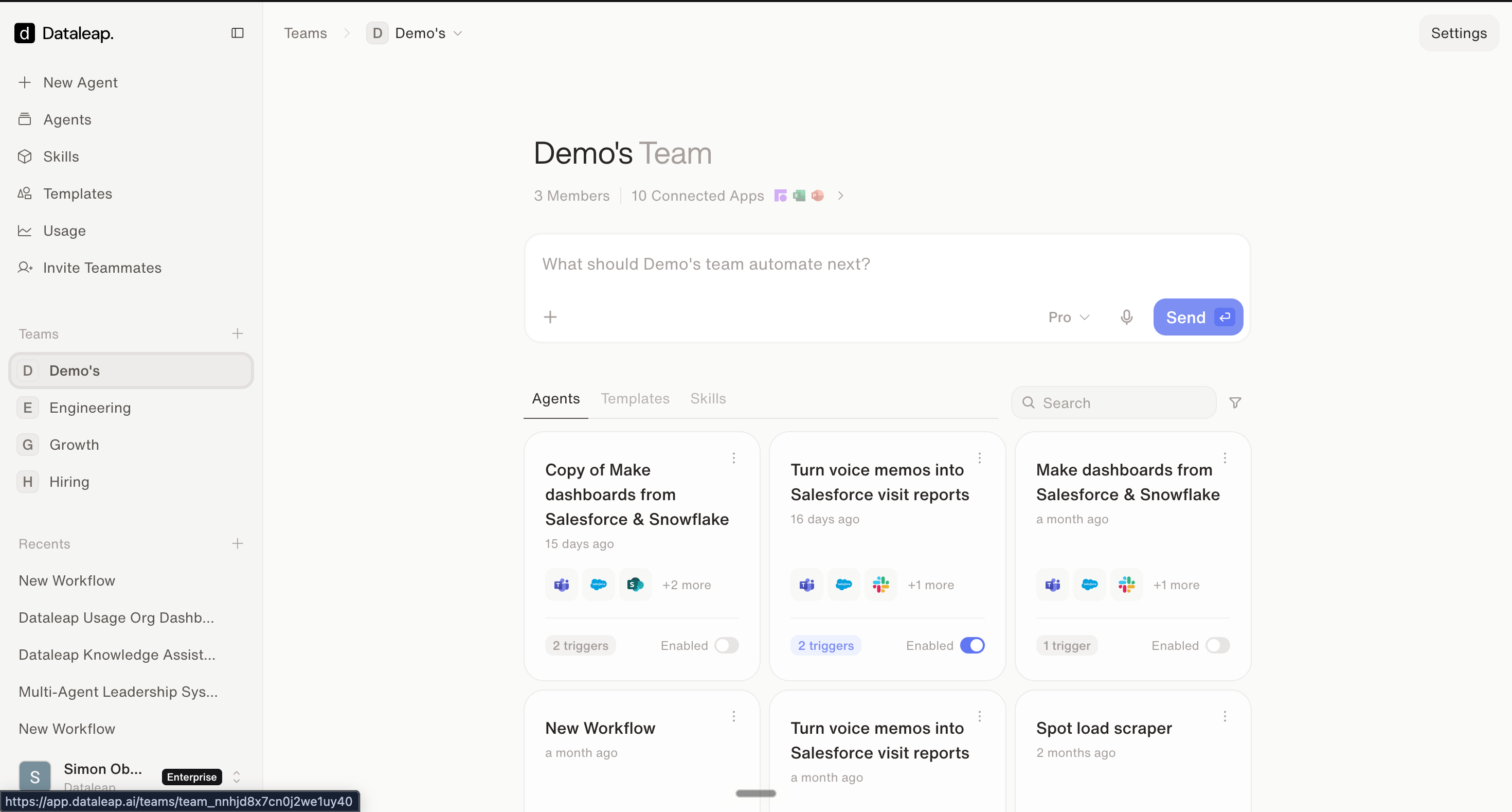
A team space: shared prompt box, shared agents, templates, and skills.
Personal vs. team
- Personal space — your private agents, for experiments and your own productivity.
- Team space — a full workspace for the team: its own prompt box (agents built there are team agents from the start), its own Agents, Templates, and Skills tabs, its own connections and budget.
Connections in a team
Connect a tool once in the team, and every team agent can use it — including agents teammates build later.Promote a personal agent to the team
Click Copy to team on your agent. The team gets its own copy — your original stays unchanged in your personal space. That’s useful: keep iterating privately, and promote again when you have a better version.Watch: Team spaces & team agents
See team sharing in action.
Templates
Next: share a workflow beyond one team.
When to share what
The decision guide across all sharing options.