
Two ways to restore
1. Directly in the chat. Every message in the build conversation has a Restore to this version link — click it to bring the agent back to exactly that state.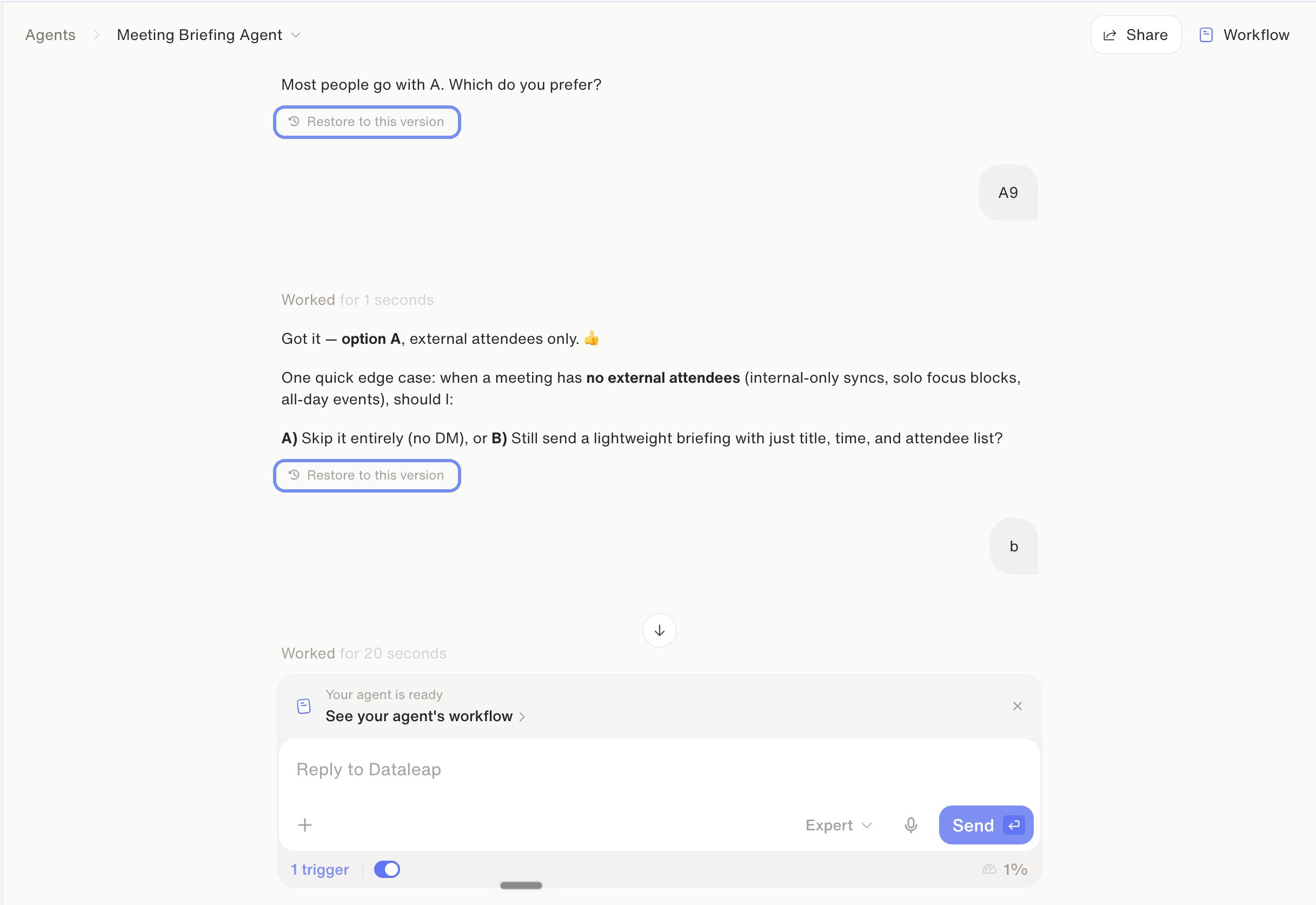
Restore to this version — right where the change happened.
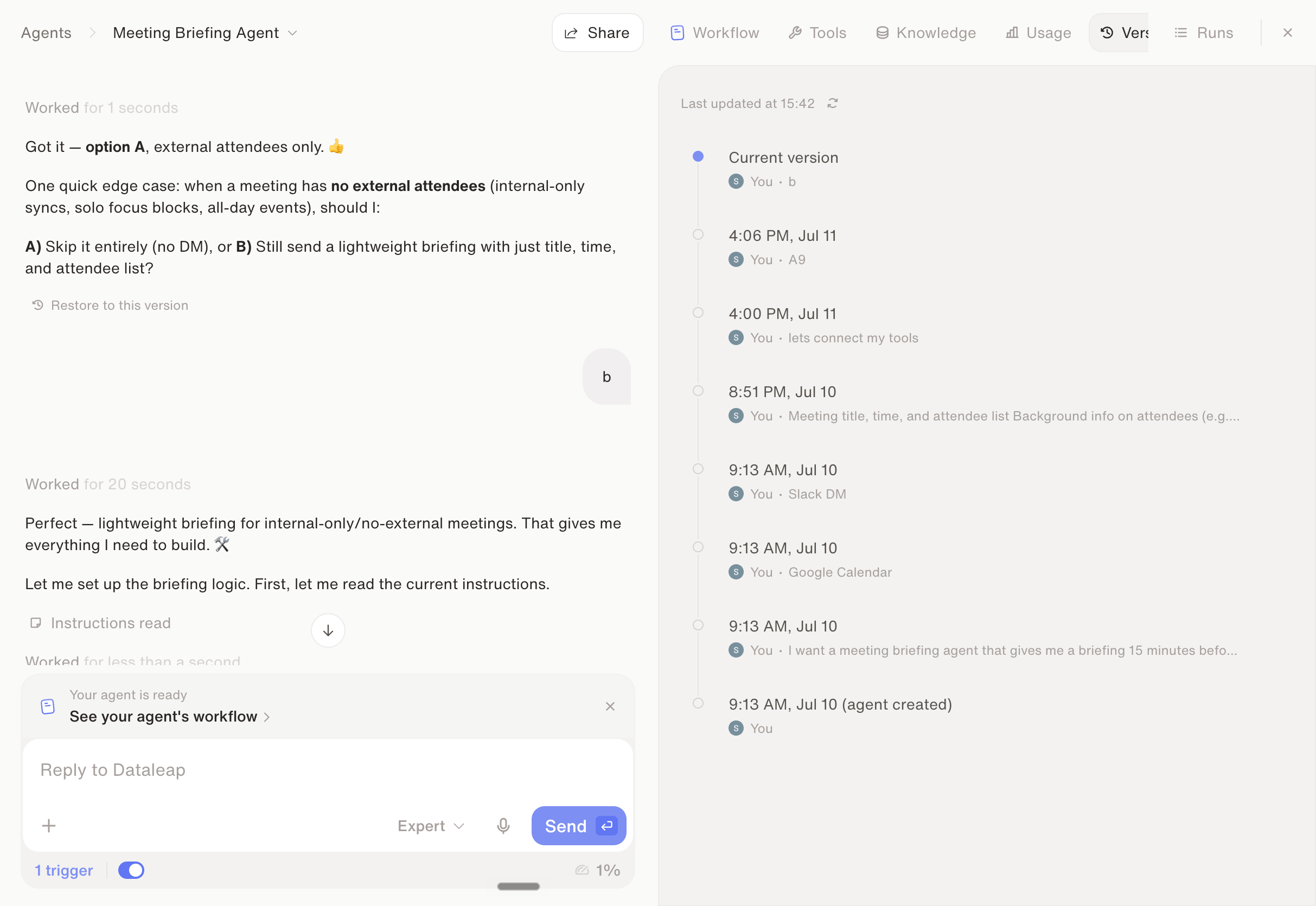
The Versions tab: the agent's full history, restorable at any point.
The safe experimentation loop
1
Know your baseline
Your current working state is a version you can return to — that’s what makes the next step risk-free.
2
Make the change
Rewrite instructions, swap tools, restructure the workflow — experiment freely.
3
Test against real examples
Run the changed agent on the same examples that worked before, so you know which version is better.
4
Keep it or roll back
If the new behavior wins, it becomes your new baseline. If not, restore the previous version and try differently.
Watch: Versioning
See how versioning works in the product.
Chapter 3: Scale your craft
Next chapter: sub-agents, skills, and cost control.
Shape agent behavior
What to tighten when a version underperforms.